
Solo
developers
Coordinate multiple agents on code and checks while staying in control of decisions.
Your project, multiple agentsThe visual software factory
Coordinate AI agents that write and review code for your projects. Follow tasks, progress and approvals in a visual office, while staying in control.
 Small droids. Serious software.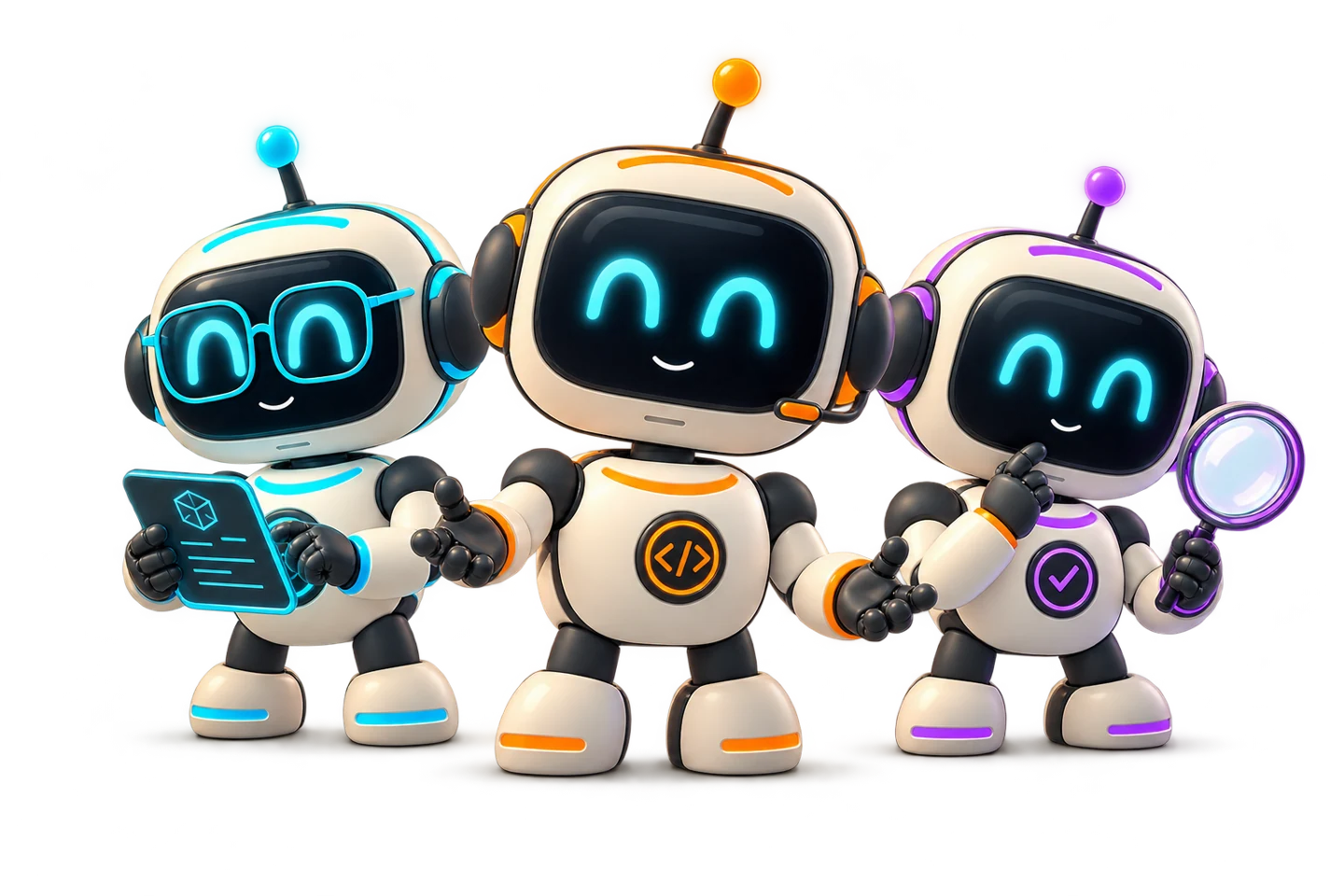
YOUR PROJECT. YOUR AI TEAM.
 Who is it for?
For people building software who want to coordinate AI agents,
from personal projects to small-team development.
Coordinate multiple agents on code and checks while staying in control of decisions.
Your project, multiple agentsFollow tasks, reviews and project progress in a shared workspace.
A shared view of the workExperiment with prototypes and organize work across your repositories.
From idea to codeYou set the goals and supervise the work.
The agents help you get it done.
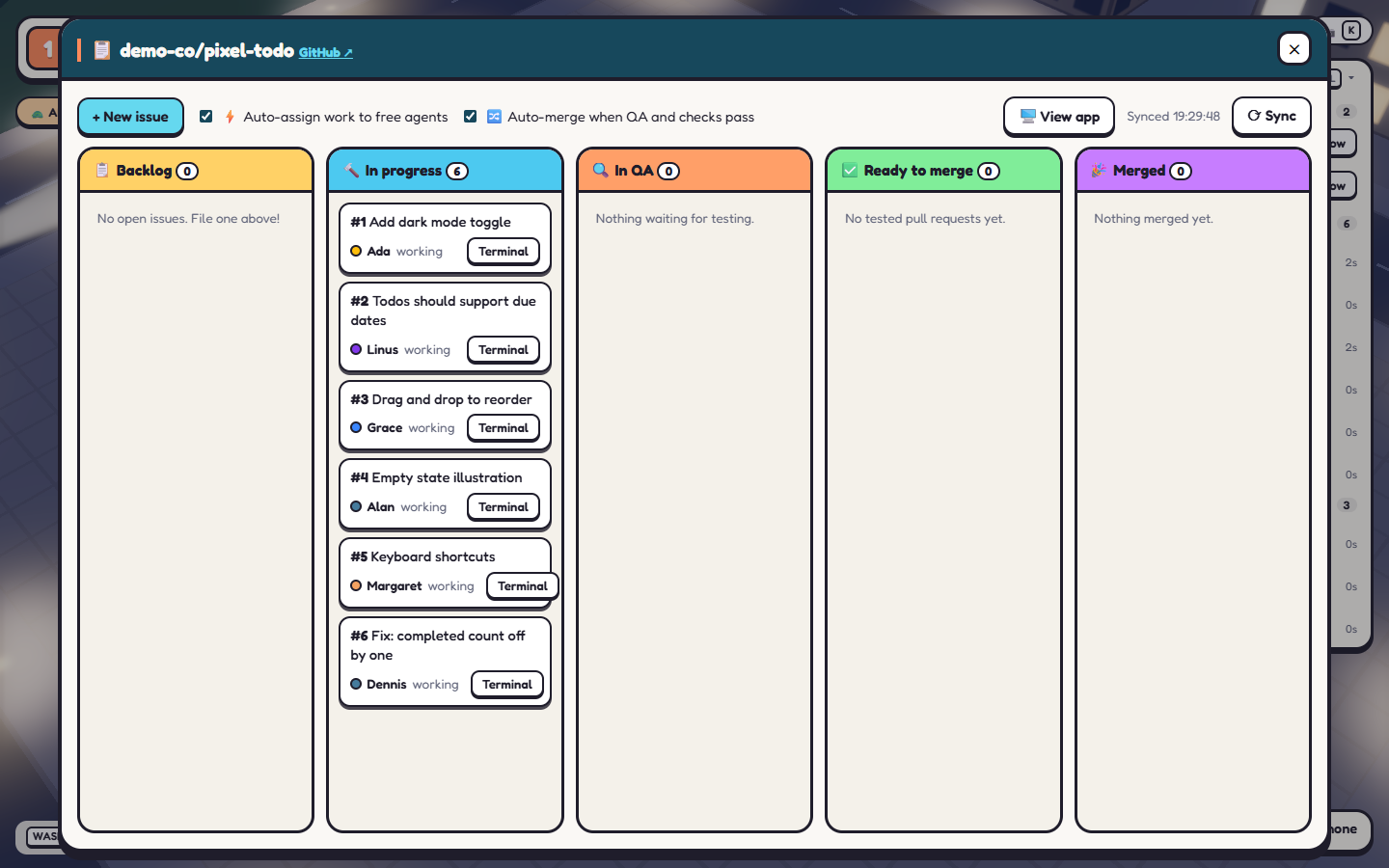
From the project floor to individual tasks: follow agents in the visual office and track work on the Kanban board. These are screenshots of the running beta.
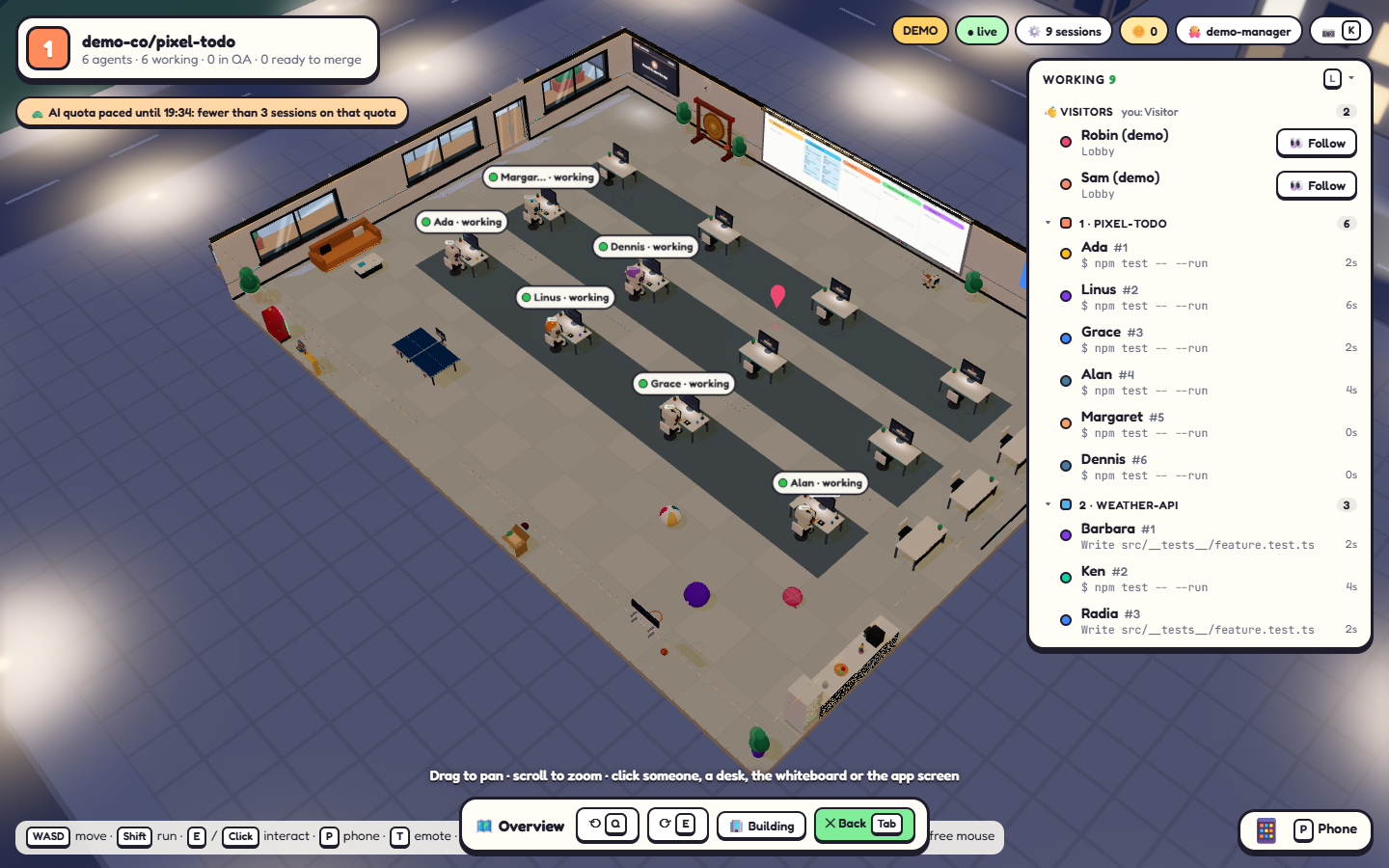
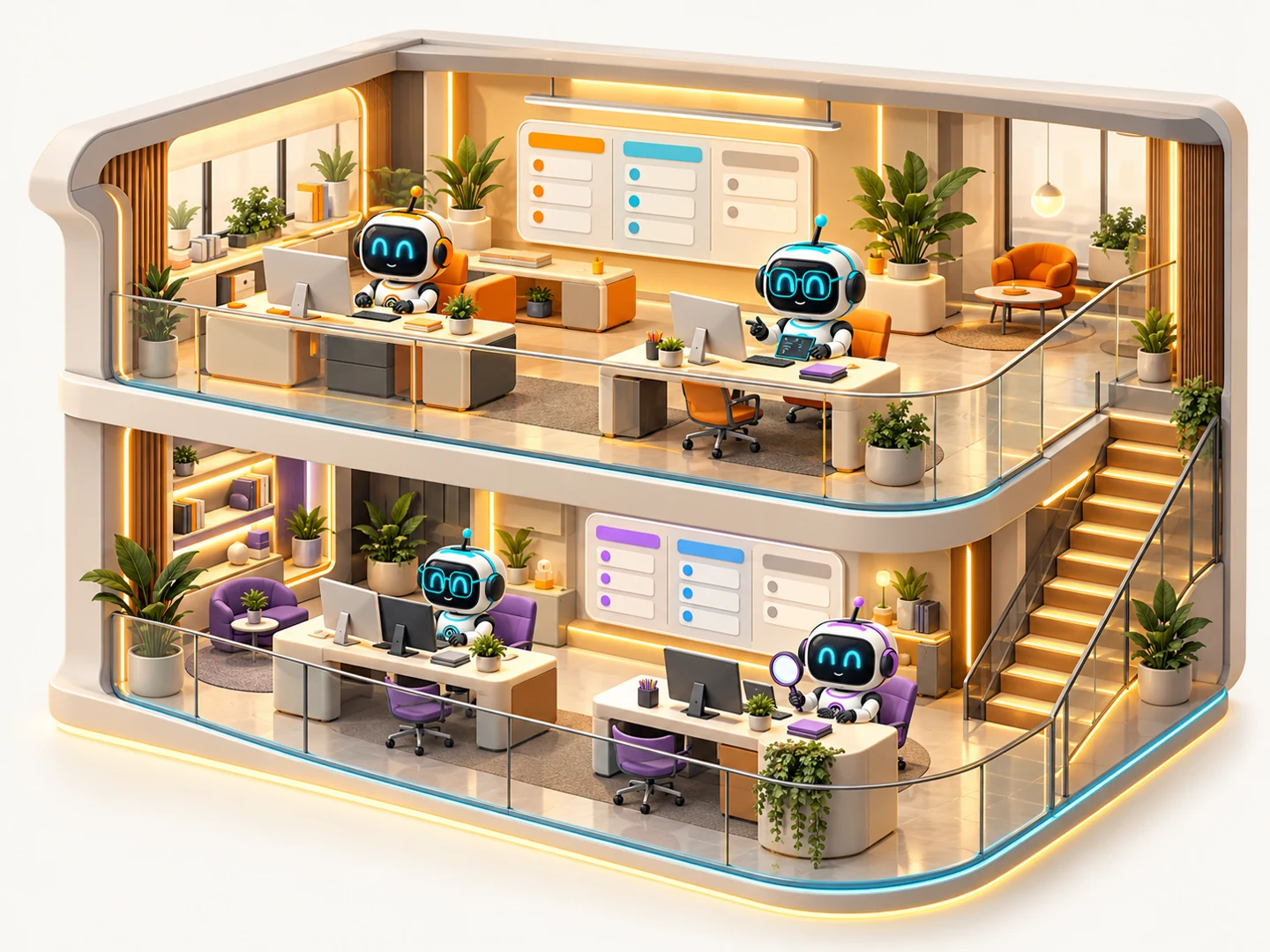
Each floor is a repository.
Each robot, an AI agent.
Separate teams and boards.
Work stays easy to follow.
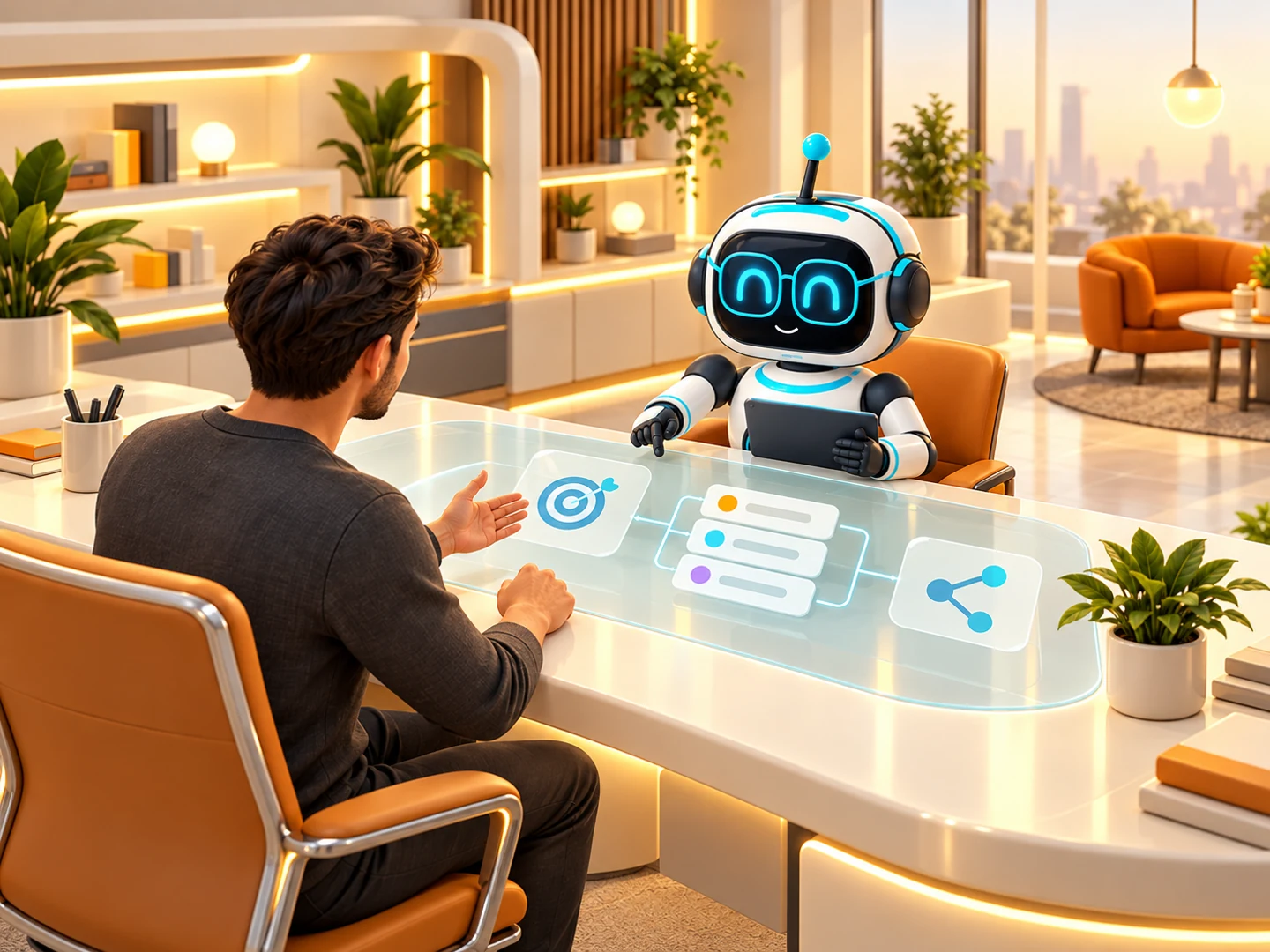
Connect GitHub. Ask the CEO to help you plan.
You define the outcome.
The CEO helps plan
the way forward.
Configurable, interchangeable agents.
Every agent can contribute
across the workflow.
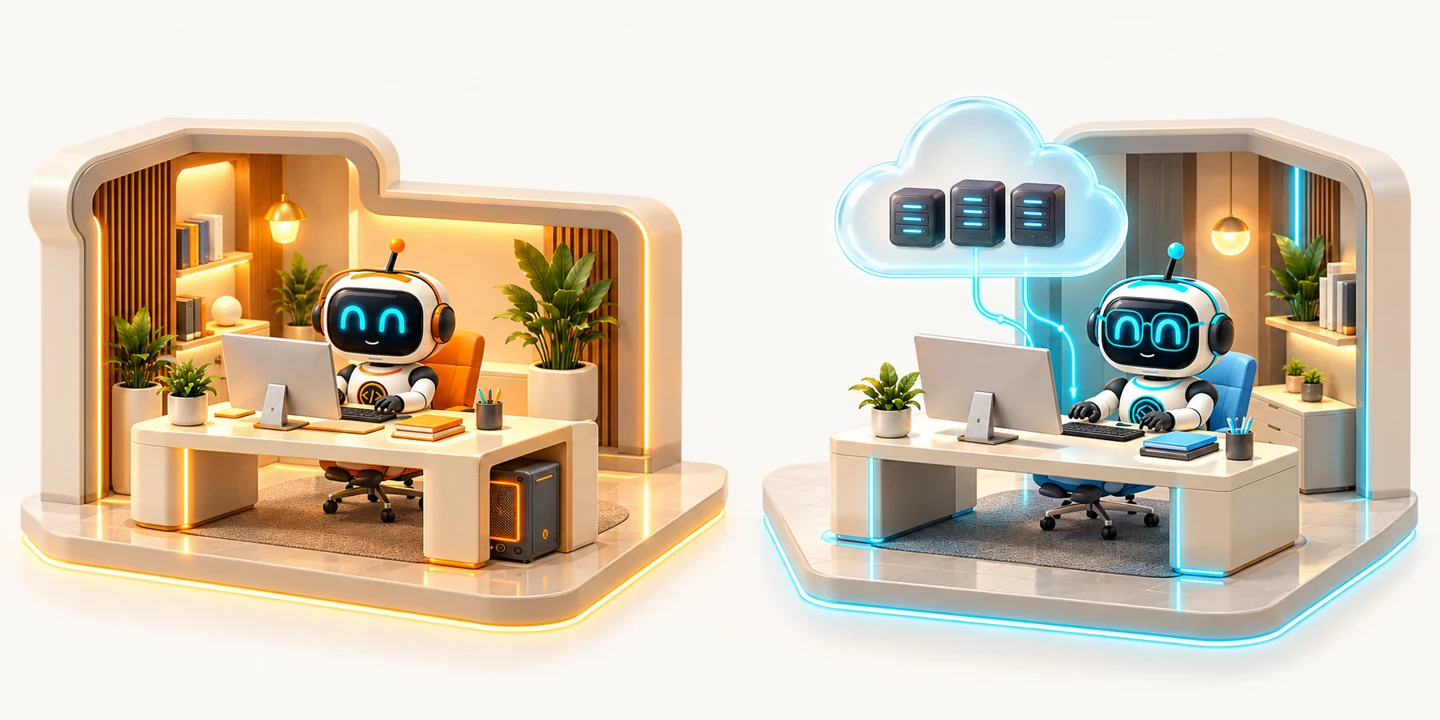
Depending on runtime and environment.
A separate environment for every agent.
The PR is opened before the dedicated QA review.
+ initial checks
Manual or automatic
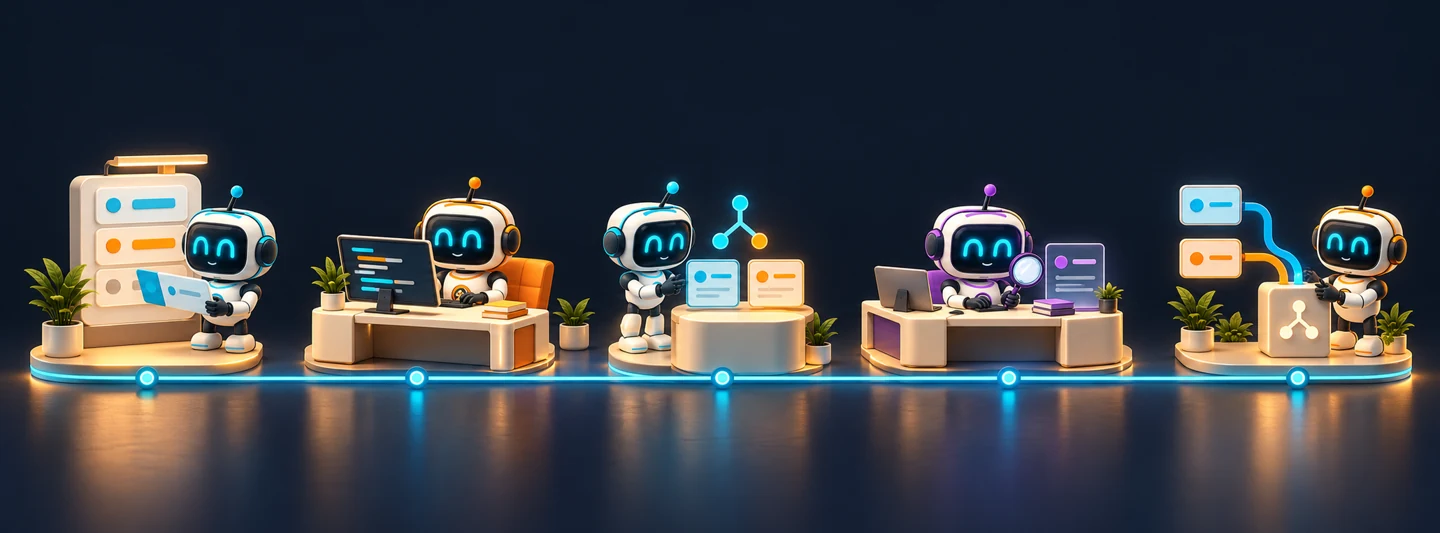
Scroll through the workflow →
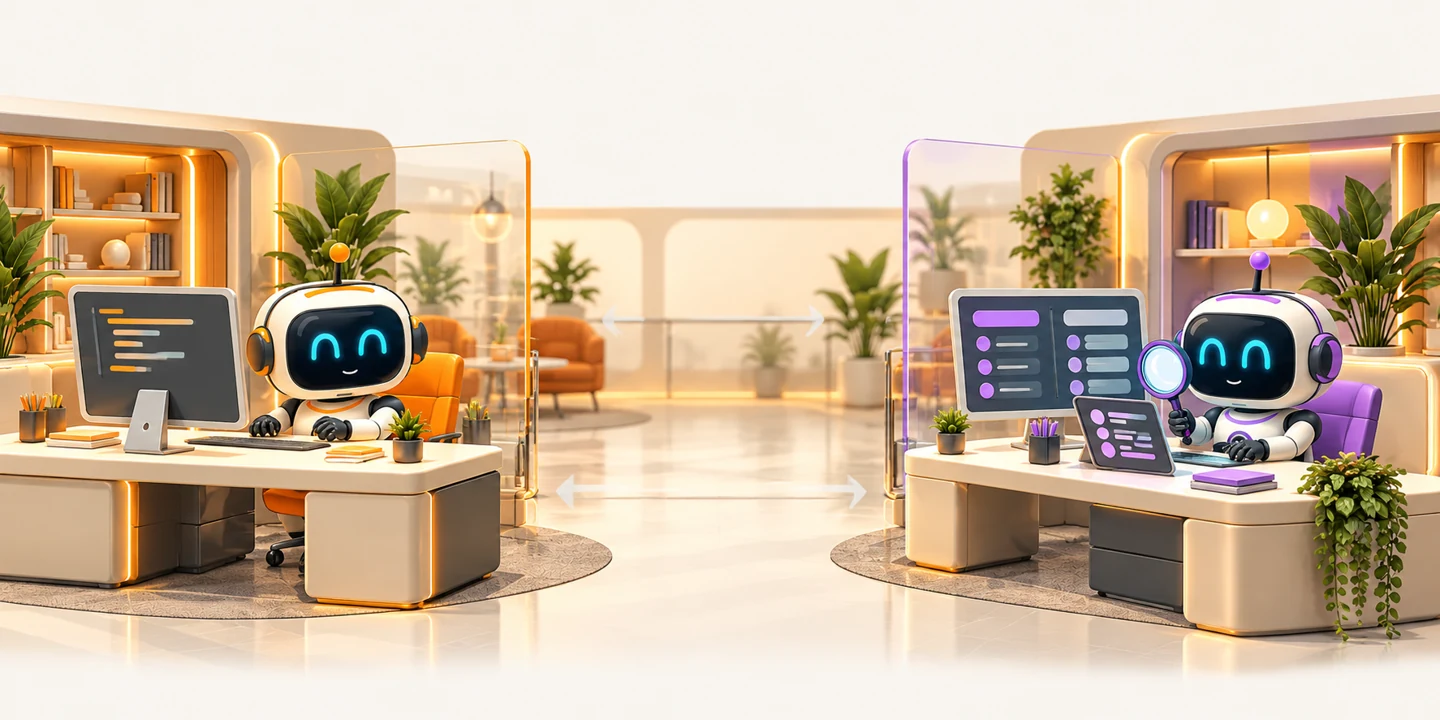
Fixes on the same PR → another review
Separate sessions. A fresh context, usually with another agent.
 PR
PRThree separate controls. Human oversight.

Automatic, when enabled
Can be enabled per project
Configurable mode
Merge ≠ app deployment.

Remote access and previews require
a configured network.

Public beta · free · open source
Droidsembly runs on your computer and opens in your browser. The demo uses simulated projects and agents: explore the interface without connecting GitHub or making real AI requests.
Install Node.js 22 or newer, then open a terminal. These commands use a dedicated demo data folder and port 4417, which must be free.
$env:SWARM_HOME = Join-Path $HOME '.droidsembly-demo'
npx.cmd droidsembly@next --demo --port 4417SWARM_HOME="$HOME/.droidsembly-demo" npx droidsembly@next --demo --port 4417On first launch, npm may ask permission to download the package. Press Ctrl+C in the terminal to stop the demo.
This is a beta: features may change. Real work requires Git, GitHub CLI and configured AI providers; their costs and limits remain separate. Read the guide before connecting real repositories.
Read the installation guide ↗ View the package on npm ↗The recommended channel is next. Currently latest also points to the first beta: it does not yet indicate a stable release.
Open source, freely supported
Droidsembly is free and open source, under the MIT license. If it helps you, you can contribute to the project's maintenance, documentation and development.
Every contribution is optional: it does not unlock features or additional agents and does not include AI-provider credits or subscriptions. Payments take place on GitHub's or PayPal's external websites, under their respective terms and privacy policies.